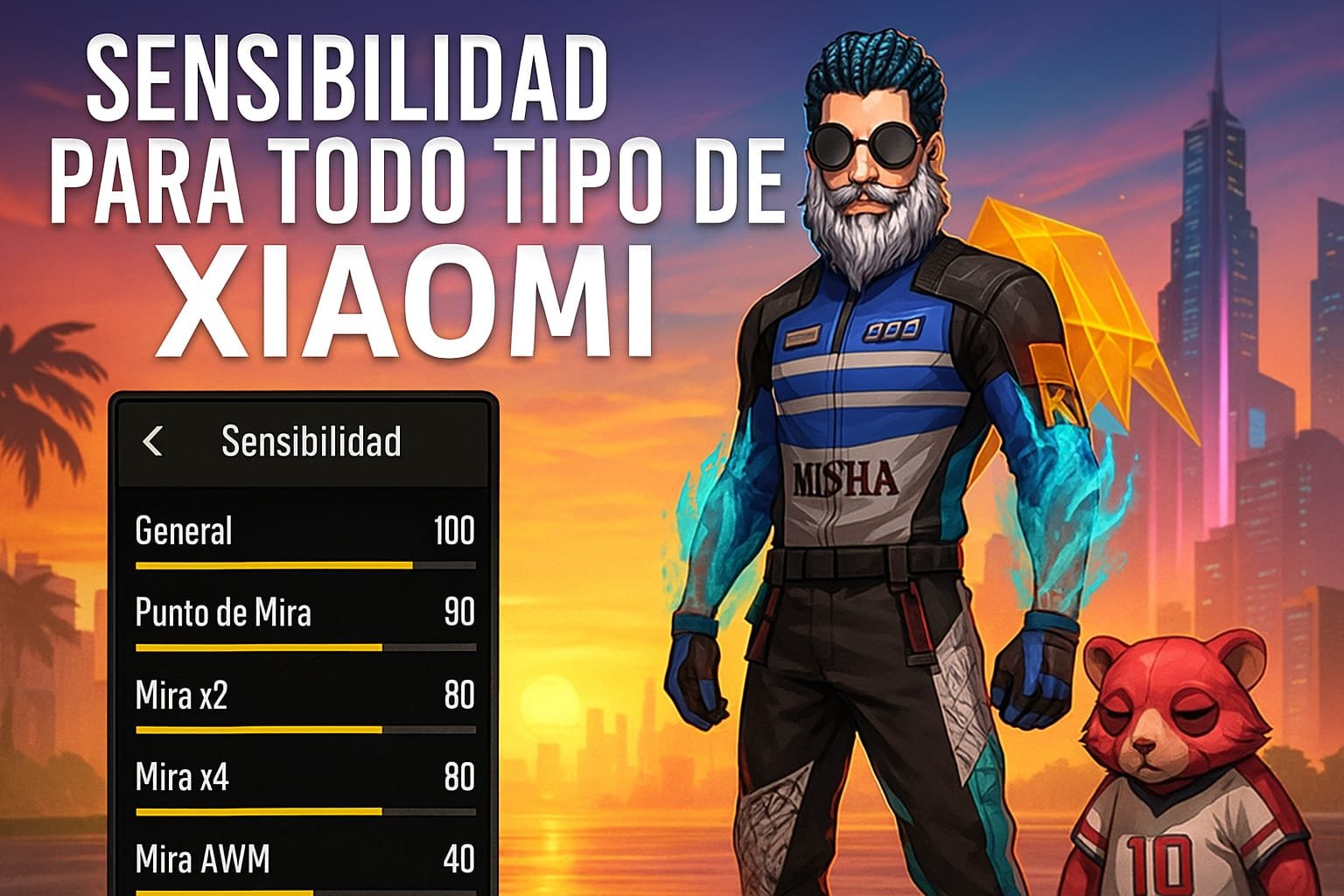
Free Fire is a game of reflexes, precision, and speed. But even the best player is limited if they don’t adjust their sensitivity settings to their device. When it comes to Xiaomi smartphones, there’s something you need to know: the perfect sensitivity for these devices is not the same as for an iPhone or Samsung. Why? Because of touch latency, sampling rate, and system performance. Here’s how to set up your Xiaomi so you can land headshots like a true champion.
📱 What Makes Xiaomi Different?
Xiaomi devices—especially the Redmi Note, POCO, and Mi series—offer great hardware at affordable prices. However, their touch response isn’t always as instant as an iPhone, so you’ll need a custom sensitivity setup to compensate.
Many models have 60 Hz, 90 Hz, or even 120 Hz displays, which directly impacts game smoothness. Plus, MIUI (Xiaomi’s custom UI) sometimes applies system optimizations that can slightly delay touch response, meaning a higher sensitivity is usually needed.
🎯 Recommended Free Fire Sensitivity for Xiaomi
Works great for most Xiaomi models like Redmi Note 9/10/11, POCO X3, X4 Pro, F4, etc.:
- General: 100 – Compensates for any touch delay.
- Red Dot: 95 – Perfect for “one taps” with rifles.
- 2x Scope: 90 – Balanced precision without losing mobility.
- 4x Scope: 85 – Fine control for long-range shots.
- AWM Scope: 50 – Lower for sniper precision.
- Camera: 100 – Quick and smooth camera movement.
- Free Look: 96 – Ideal for fast aim lifts with shotguns and SMGs.
💡 Xiaomi Tip: If your model has a 90 Hz or higher display, you can enjoy a smoother feel without sudden aim jumps.
🧠 What Each Sensitivity Controls
- General: Your natural movement without aiming—essential for quick turns and spotting enemies.
- Red Dot & Scopes: Where headshot magic happens. A good setup ensures precise shots even while moving.
- AWM: Needs surgical precision, so always keep it lower.
- Free Look: Perfect for close-range PvP without aiming down sights.
🛠 Extra Xiaomi Settings for a Competitive Edge
- Enable Game Turbo mode for better system response.
- Disable battery optimizations for Free Fire.
- Increase touch sampling rate if available on your device.
- Clear RAM before playing by closing background apps.
⚙ Finding Your Perfect Sensitivity
Everyone moves their fingers differently, but here’s a Xiaomi-friendly method:
- Start with the settings above.
- Go to training mode and practice moving and shooting.
- Struggle to lift aim? → Increase by 3 points.
- Aim goes too high? → Decrease by 3 points.
- Repeat for every scope type until it feels perfect.
✅ Pro Tip: Aim for a sensitivity that works both in Ranked and Clash Squad. Versatility wins games.
🔚 Conclusion
It doesn’t matter if you’re on a budget Redmi 10 or a powerful POCO F5—with the right sensitivity, you can dominate any lobby. Never underestimate the power of a well-tuned setup. Sometimes, a tiny adjustment is the difference between losing a PvP or pulling off a clutch 4K.
Remember: It’s not just about the phone—it’s about how you configure it.